|
|

|
|
Size: |
201 Kb
|
|
Upload Date: |
2.02.2011 - 11:23
|
|
Vote for us thanks! |
Note
0
bei
0
Bewertungen
|
|
Titel:
|
PlusIVe V002b (Dreamcast)
|
|
Total Downloads: |
7
|
|
Last Download Date: |
3.01.2017 - 8:18
|
|
Views:
|
310
|
|
Picture: |

|
|
Download Link:
|

|
|
Description: |
Sprache:
Englisch
PlusIVe v0.02b
==============
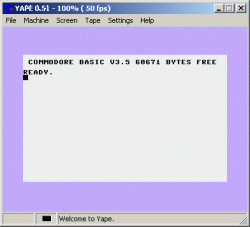
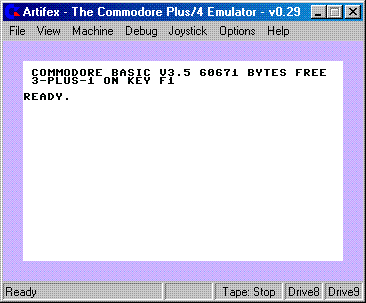
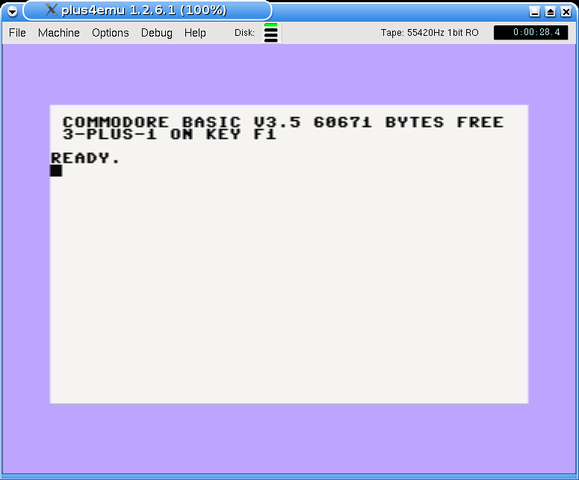
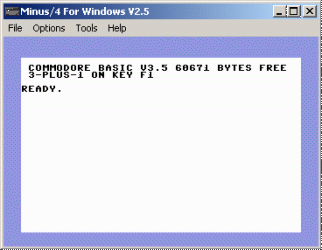
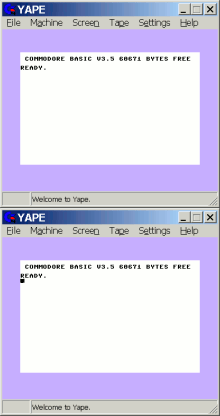
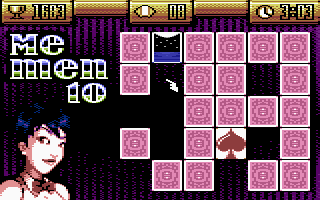
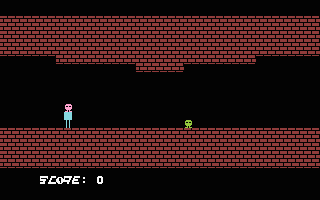
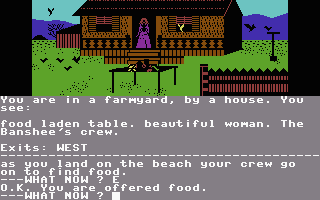
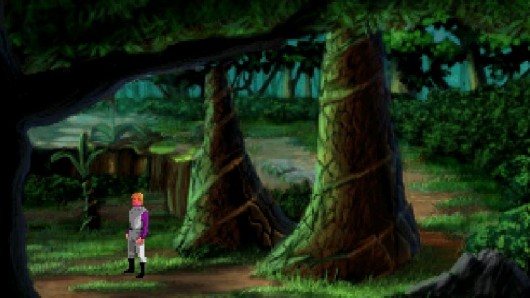
PlusIVe is an emulator of the classic Commodore Plus/4 home computer.
The Plus/4 was introduced in 1984 and was meant to be the sucessor of
the C64. It featured a MOS 7501/8501 processor (software compatible with
the MOS 6502) with 1.7MHz or 860KHz (software selectable), 121 colors,
built-in software and some degree of compatibility with C64 hardware
like Joysticks and floppy disk drives.
To use PlusIVe on your Dreamcast, burn a CD with all your PRGs and D64s
on a non-bootable CD, along with the executable binary (plusive.bin)
after renaming it to 1ST_READ.BIN. You can place the Plus/4 files
wherever you want on the CD, but they MUST have the .PRG or .D64
suffix. Unfortunately, the program doesn't work when started from a
bootable CD, so you have to burn an ordinary MODE1 ISO9660 non-Joliet
file system. I don't know yet why this is, if someone does, please
contact me.
PlusIVe doesn't support sound output yet and does not sync to the screen
VBL properly. Its compatibility is limited as well, due to the
rasterline based emulation. But most games and programs should work. You
can use the Dreamcast keyboard.
Joypad Mapping
--------------
PlusIVe has 4 different joypad modes of which only one can be active at
any given time. The current joypad mode is marked at the lower left
corner of the screen:
- Keyboard
- Joystick 1
- Joystick 2
- Cursor
You can cycle through the joypad modes with the X button.
Here are the joypad mappings for every mode:
- Keyboard
Directional pad - Select a key in the virtual keyboard
A - Press the selected key
- Joystick 1,2
Directional pad - Joystick direction
A - Fire
- Cursor
Directional pad - Cursor keys
Regardless of the mode, you can use the following buttons:
Start - Load a D64 or PRG file
B - Reset emulation
Y - Shortcut for the "RUN" command
X - Cycle through the joypad modes
In the file requester, you can use the following buttons:
A - Select file or directory
X - Parent directory
B - Cancel
DPad Up - Previous directory entry
DPad Down - Next directory entry
DPad Left - Previous page of directory list
DPad Right - Next page of directory list
|
|
|
|
|
COPYRIGHT NOTICE:
The material presented on this website are copyright to its respective owners/composer(s) and/or
release/publishing company(s). We does not own the copyright to ANY of the material provided on this side.
If you own the rights to any material on this site but wants it removed, contact
us. We'll respect your decision!
We have collected the stuff to make sure we preserved the part of history we took part in. It's our view that these games are no longer commercially interesting and won't harm any legal business, hence this is not piracy in our view, even if it's strictly legally technically is!
If you run or represent a business, which feel that this collection harm your business in any way, then please let us know and we'll happily remove the part disturbing you. The intention is not to cause harm, but to spread a part of the history we're proud of! Legal notice
|